The app that makes your online life simple
You use itsme the same way every time. Whether you’re confirming your identity at a company or logging in to a government service, the steps are identical. So every action is fast, easy and reassuringly familiar.
 Why itsme_easy_Header

Use it everywhere
You can use itsme with more than 500 Dutch companies and platforms. With government services, with banks and insurers, telecom providers and hundreds of other services.

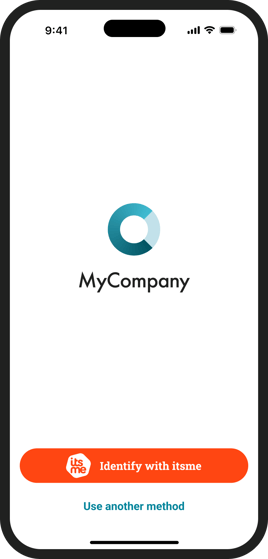
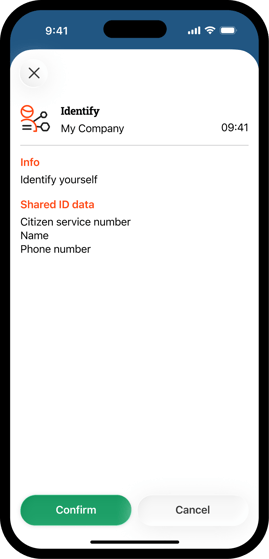
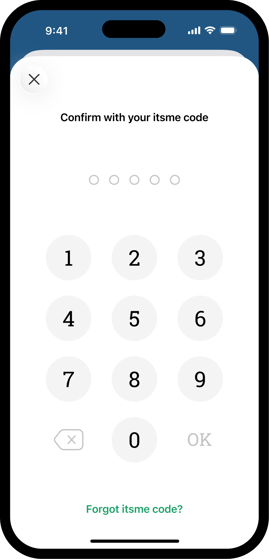
The same routine every time
Whatever platform you use, logging in with itsme works the same way every time: you start the action, open the app, and confirm with your itsme code.

Even easier
Turn on your fingerprint or face recognition (biometrics) for even more convenience. For an electronic signature, your personal secret code is always still required.
Easy and secure?
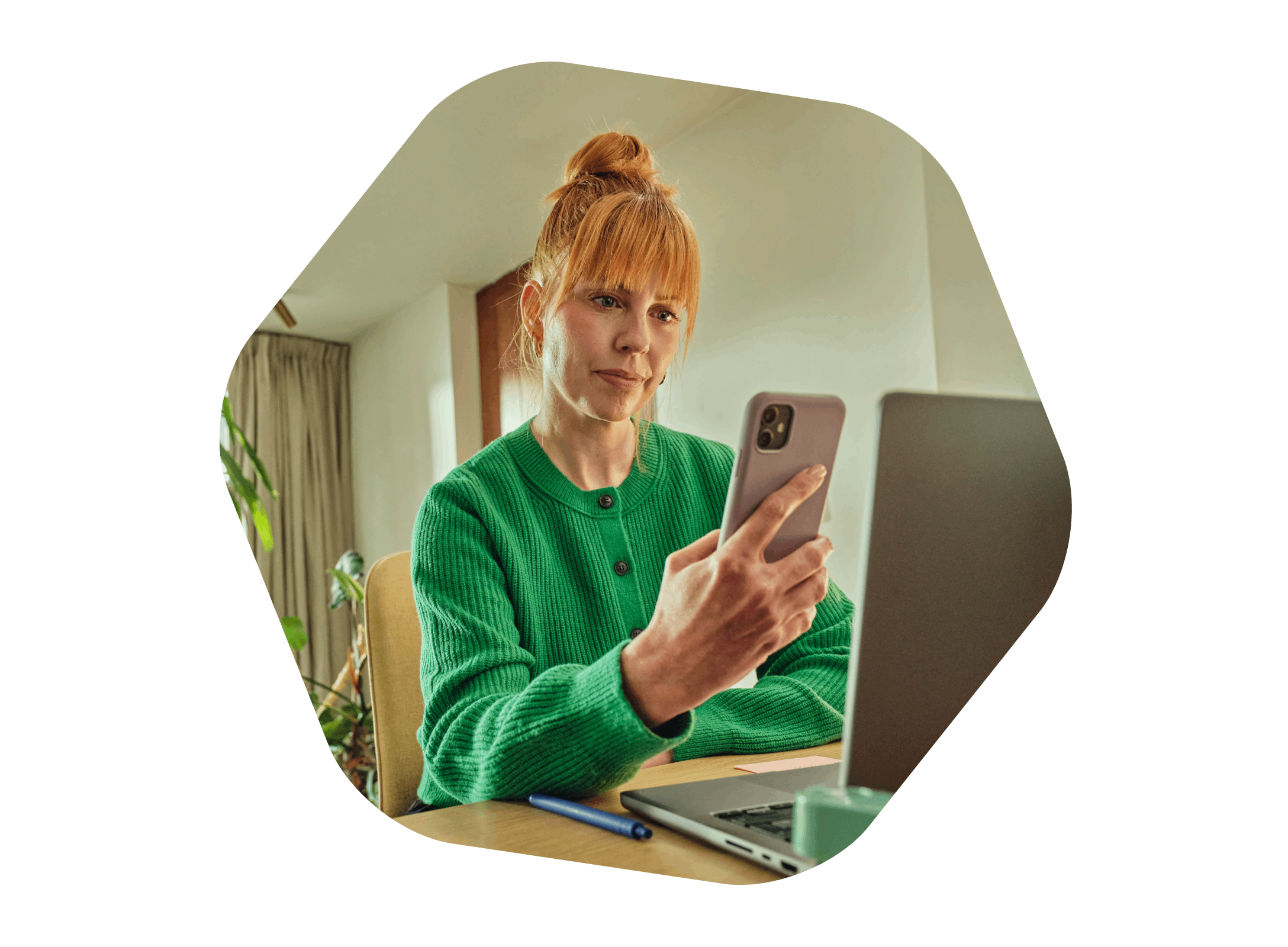
Yes, you can have both. At itsme, security and ease go hand in hand. Protecting your online identity is our top priority, which is why we always pair convenience with the highest level of digital security.

 Why itsme_Makkelijk_Veilig-1
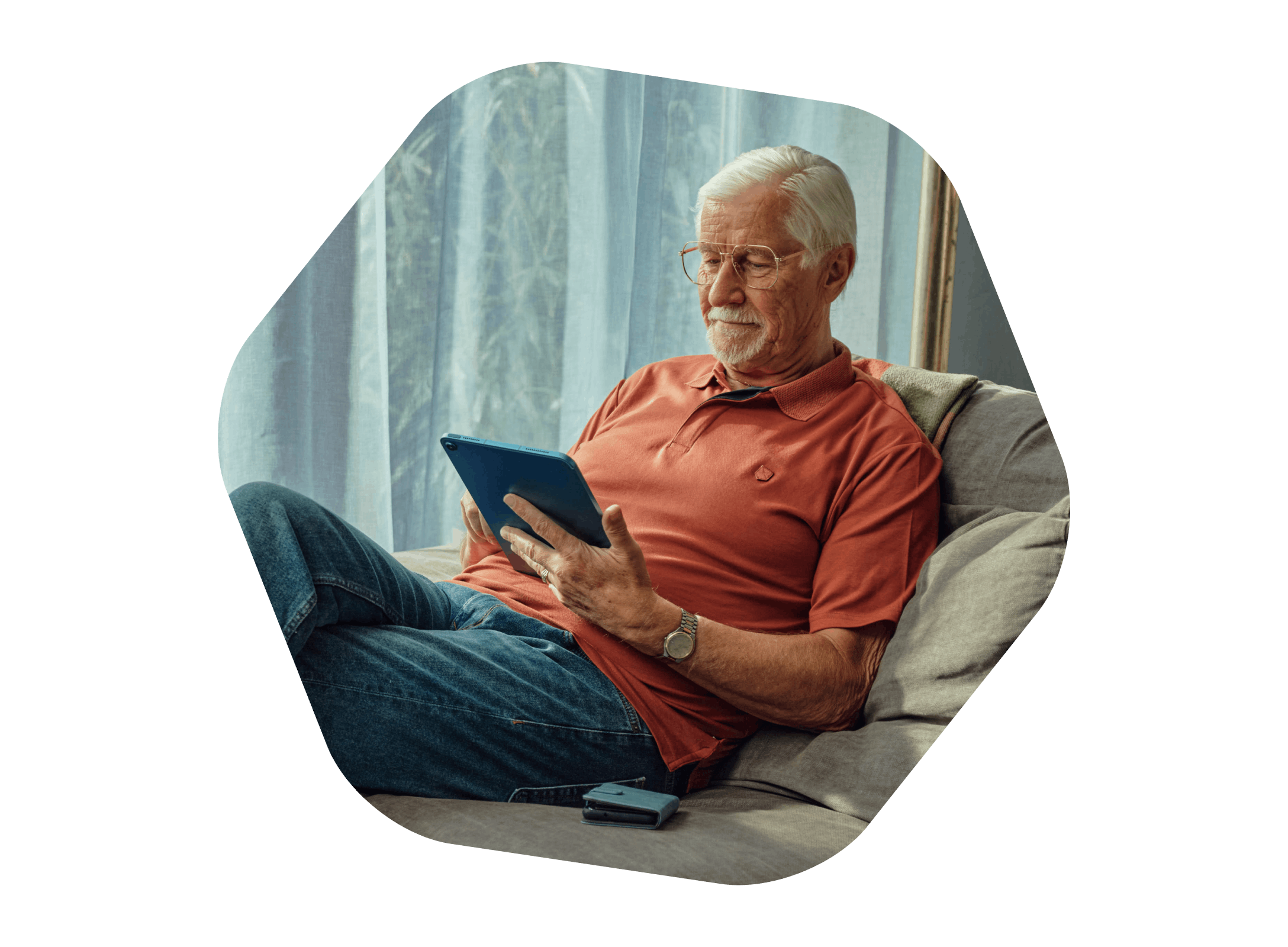
Accessible to everyone
With itsme we want everyone to take part in the digital society easily and securely. That’s why we offer digital coaches and digital buddies an educational toolkit: a set of practical infographics, guides and videos on setting up an itsme account and using the app.
 Why itsme_Makkelijk_Toegankelijk
 mockup_identify_ENG
 mockup identify_ENG
 mockup pin pad_ENG