


Digital signing
Sign securely
A loan at the bank or a deed of sale at the notary? An electronic signature with itsme carries the same legal weight as a handwritten one. With the itsme app you can even sign several documents at once. Much simpler that way.
 Service_header_sign_ENG
Sign digitally, securely and fast
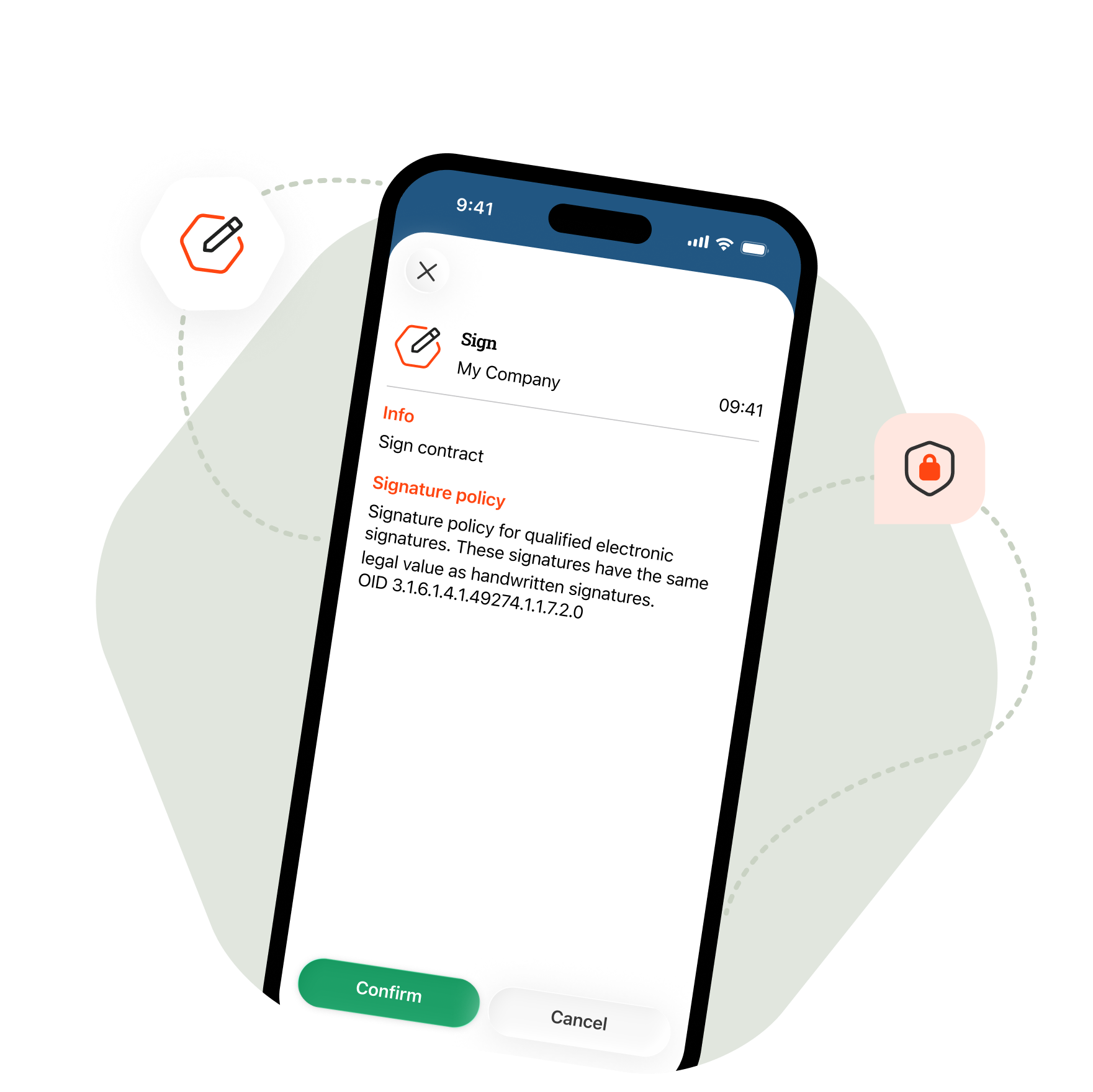
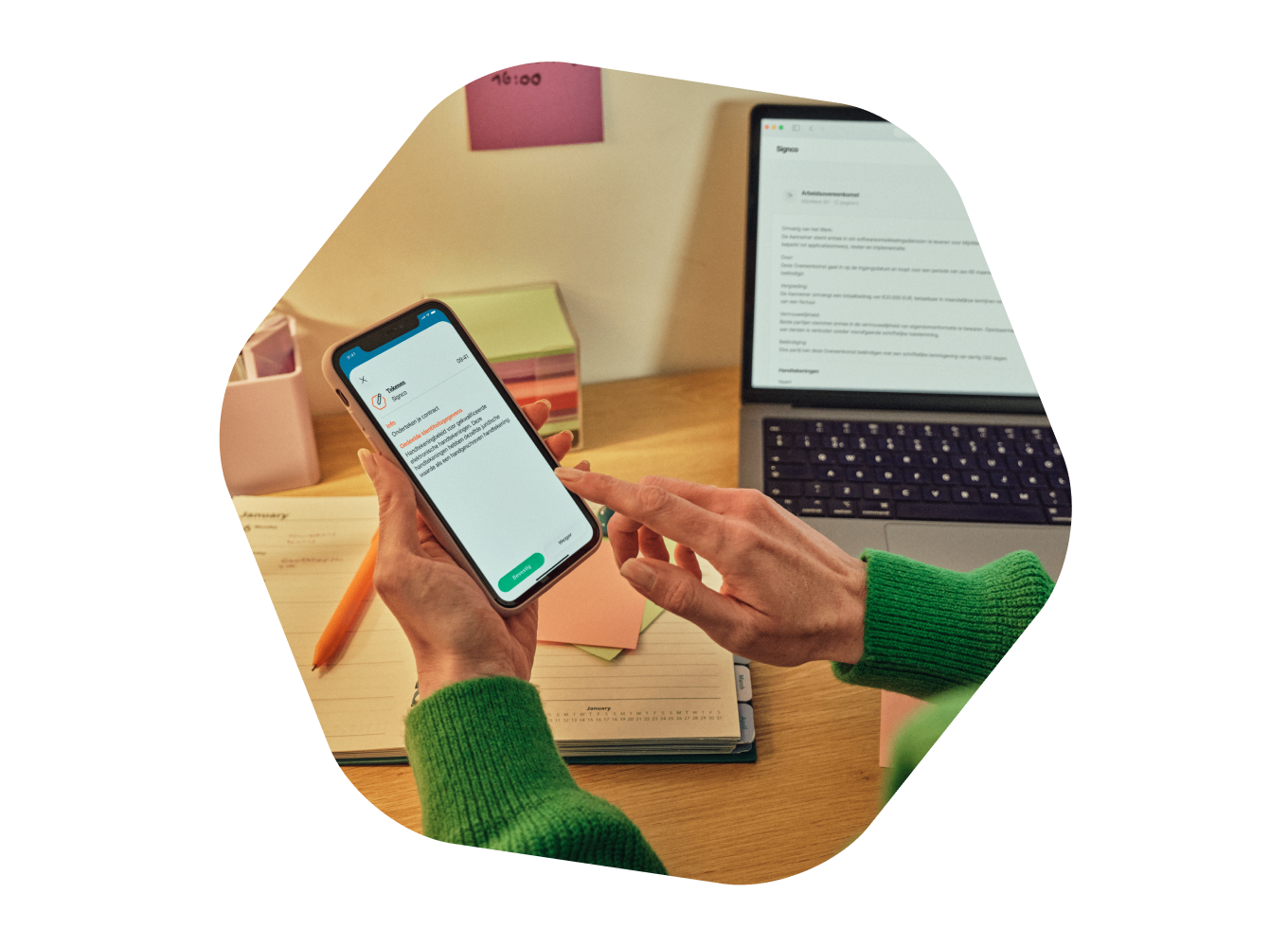
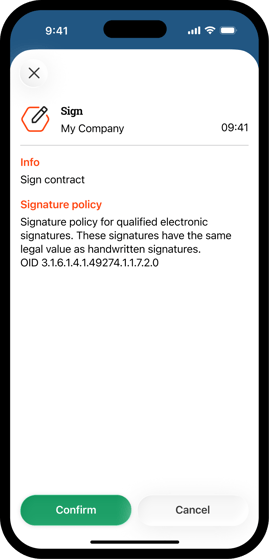
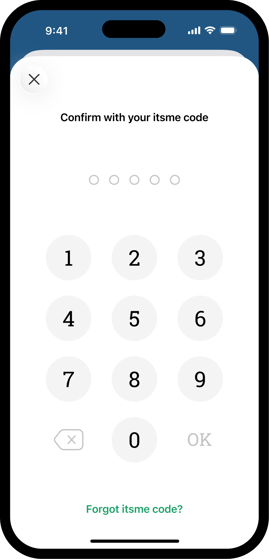
With itsme you sign documents easily and securely. Tap the notification on your smartphone, open the app and confirm your signature.
 scan laptop woman
Sign several documents at once
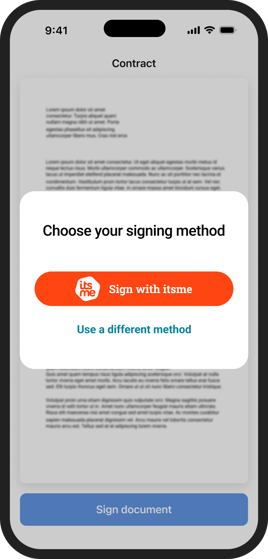
Need to approve more than one document? No problem. With itsme you do it in one go: you review the documents, then sign them all with itsme. Handy when you have a lot to take care of.
 sign laptop woman_NL
 mockup_sign_ENG
 mockup actie tekenen_ENG
 mockup pin pad_ENG
 visual campagin banner_green
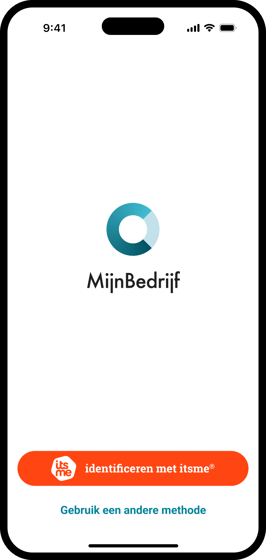 image-png-1
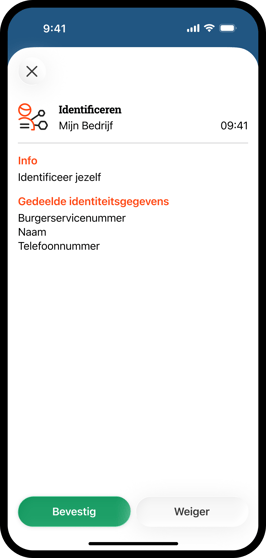 image-png-2
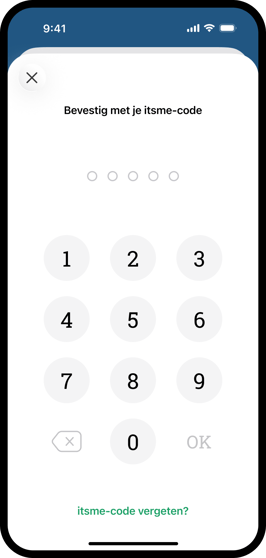 image-png-3