


Confirmation
Approve with complete confidence
Wherever you need to confirm something, itsme shows you exactly what you're approving. No doubt, no surprises. You always know what you're sharing and what you're confirming, before you do it.
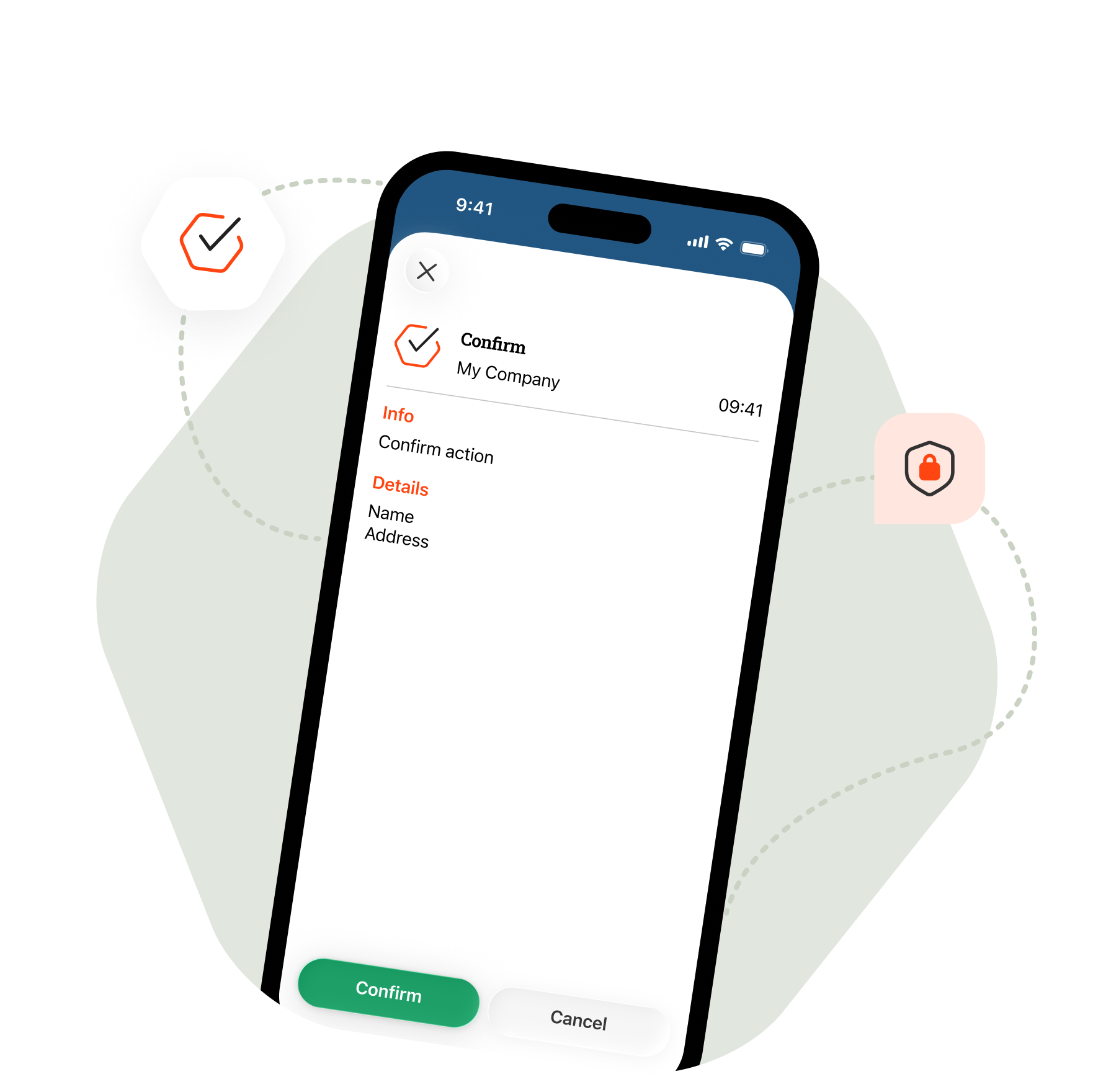 Service_header_confirm_ENG
You always see what you're approving
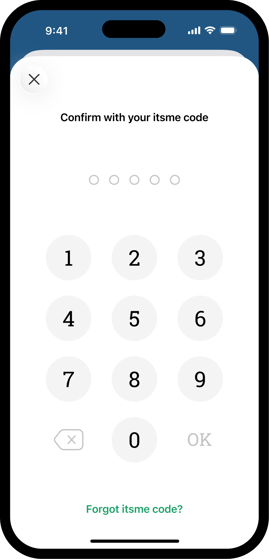
With every confirmation, itsme shows you the details of the action. So you have full sight of what's happening and never approve anything blindly. You stay in control, every single time.
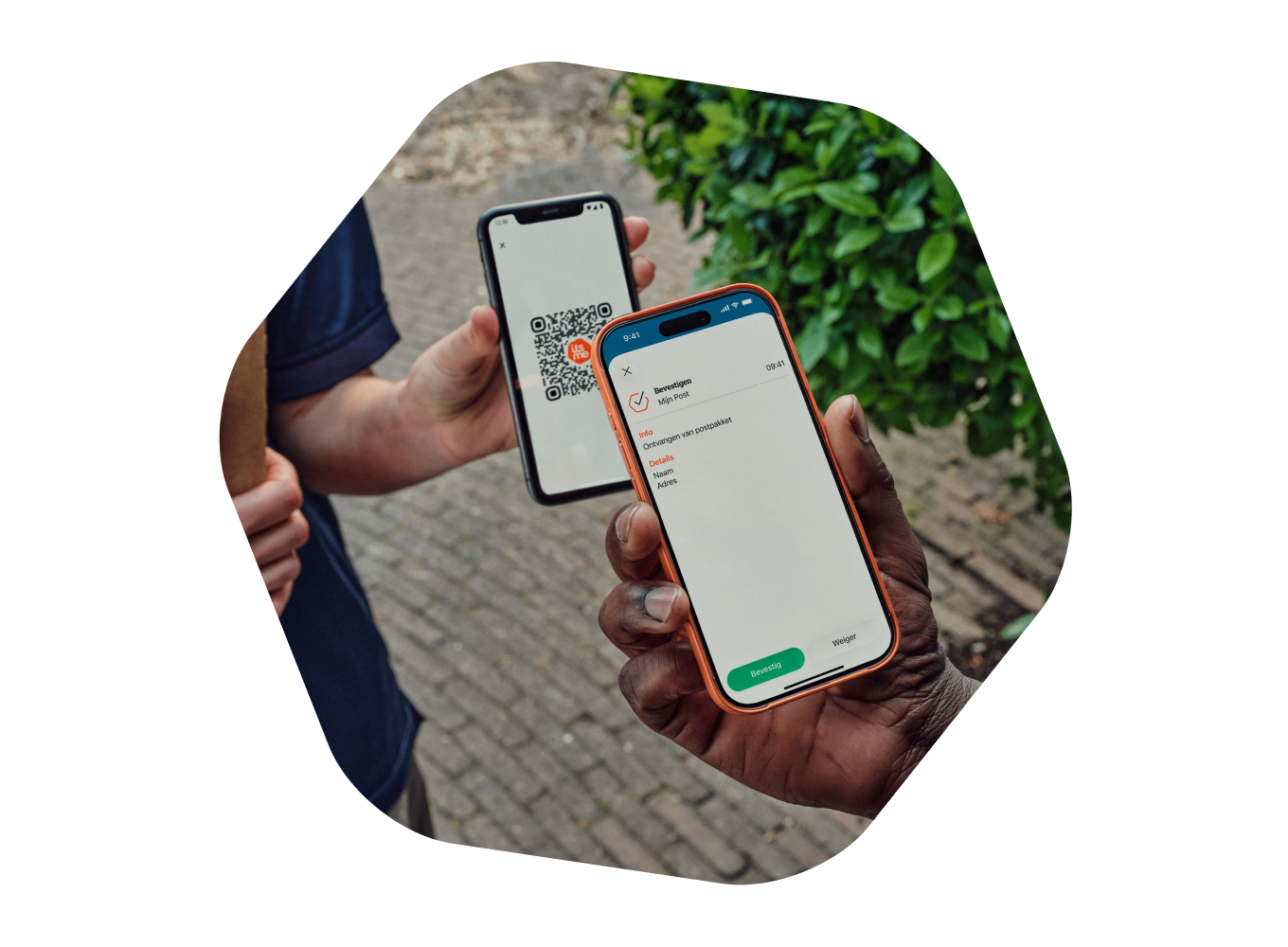 scan post_NL
You decide
Because you always see what you're confirming, you only approve what you actually want. And you can find every action back later, so you remain in control.
 man auto_NL
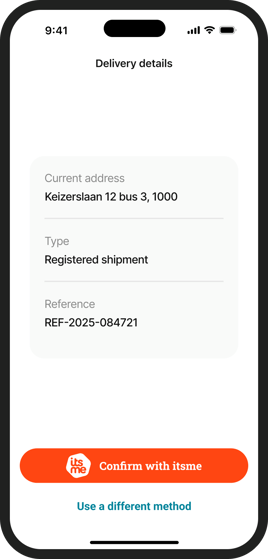 mockup_confirm_ENG
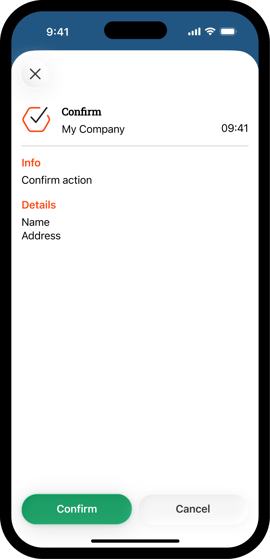 mockup actie bevestigen_ENG
 mockup pin pad_ENG
 visual campagin banner